The Problem with Icon Libraries
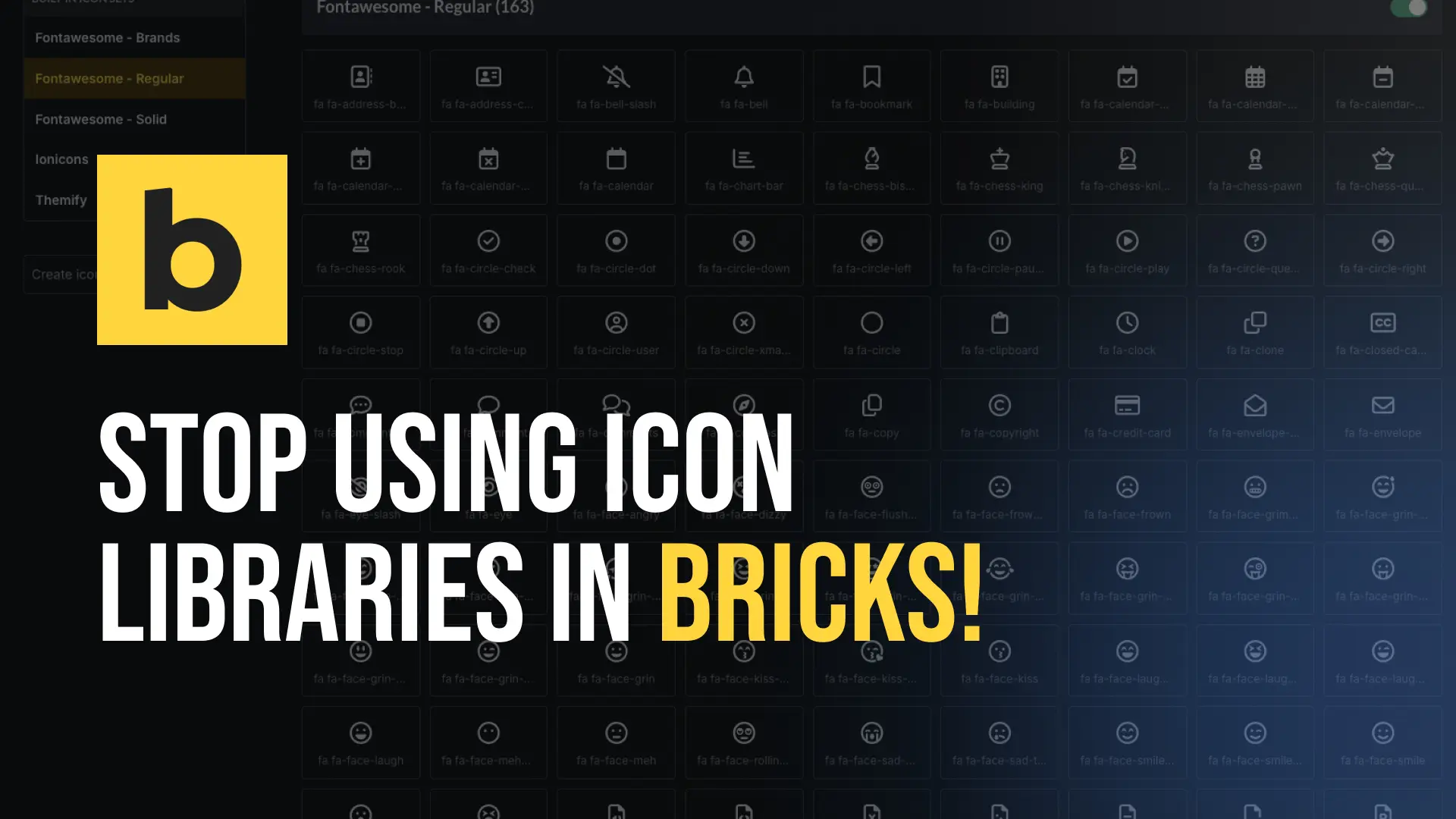
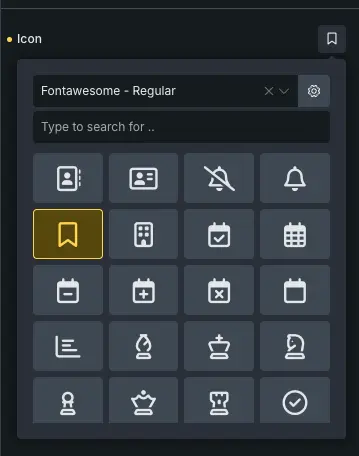
When you enable an icon library like Font Awesome in Bricks, the entire library gets loaded on every page — even if you only use two or three icons. We’re talking about a CSS file and sometimes a font file that your visitors have to download, every single time, whether they need it or not.
That’s unnecessary bloat. And it shows up in your Lighthouse scores.
Performance Impact
Icon libraries like Font Awesome load hundreds of icons worth of CSS and font files on every page — even if you only use one icon. This adds unnecessary weight to every page load
The Better Way: SVG Icons
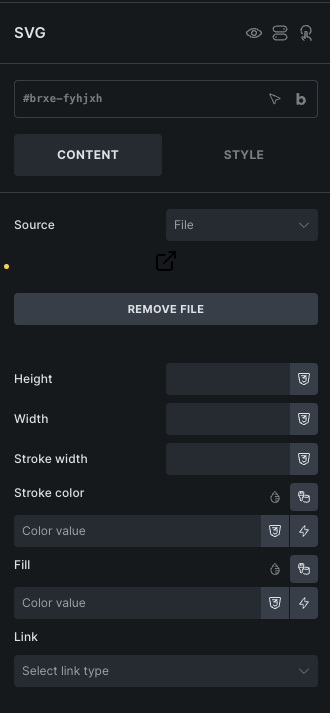
Instead of loading an entire library, you can simply download an SVG icon and upload it directly in Bricks using the SVG element. Just drag the element onto the canvas, upload your SVG file, and that’s it. The icon is loaded only on the pages where you actually use it — nothing more.
This alone is already a huge improvement over loading an entire icon library.
Even Better: The Icon Manager
If you work with icons regularly across a whole project, Bricks has a built-in Icon Manager — a full-screen interface where you can create your own custom icon sets and upload as many SVG files as you want. You can organize them into named sets, search across all icons, and enable or disable individual sets with one click. It works exactly like the built-in libraries, just with your own icons.

Where to Get Free SVG Icons
Here are some of the best free resources to download individual SVG icons:
- Phosphor Icons — A flexible icon family available in six weights. Great if you need more visual variety within a single set.
- Lucide — A community-maintained fork of Feather Icons with over 1,000 icons. Very consistent style, great for UI work.
- Heroicons — Clean, simple icons in two styles (outline and solid). Made by the Tailwind CSS team, open source and free for commercial use.
- Iconoir — A large collection of high-quality open source icons with a clean, modern look. Free for personal and commercial use.
- Tabler Icons — Over 5,000 pixel-perfect open source icons. One of the largest free sets available with a very consistent style.
All of these let you download individual SVG files — no account needed, no attribution required for most.