What Is Class Styling?
In CSS, there are multiple ways to target an element. The two most common ones are IDs and classes.
An ID is unique and can only exist once on a page. A class can be applied to as many elements as you want. That’s the key difference.
/* ID styling — one element only */
#brxe-abc123 {
  color: red;
}

/* Class styling — any element with this class */
.card-title {
  color: red;
}
When you style with classes, you define a rule once and reuse it everywhere. When you style with IDs, every element gets its own unique styles, even if they look identical.
What Most Page Builders Do
Most page builders style elements by their unique ID. Every time you add a button, a heading, or a section, the builder generates a unique ID for that element and writes the CSS directly to it.
This is what it looks like under the hood:
#brxe-abc123 { background: #e8643a; padding: 12px 24px; border-radius: 6px; }
#brxe-def456 { background: #e8643a; padding: 12px 24px; border-radius: 6px; }
#brxe-ghi789 { background: #e8643a; padding: 12px 24px; border-radius: 6px; }
Three buttons, three identical sets of CSS rules, three separate IDs. Now imagine you want to change the border-radius of all your buttons. You have to update every single one individually. On a site with 50 pages, that’s a nightmare.
The Real Problem
ID-based styling means your CSS grows with every element you add. A large site can end up with thousands of duplicate style rules, bloating your CSS files and making global changes nearly impossible.
How Class Styling Works in Bricks
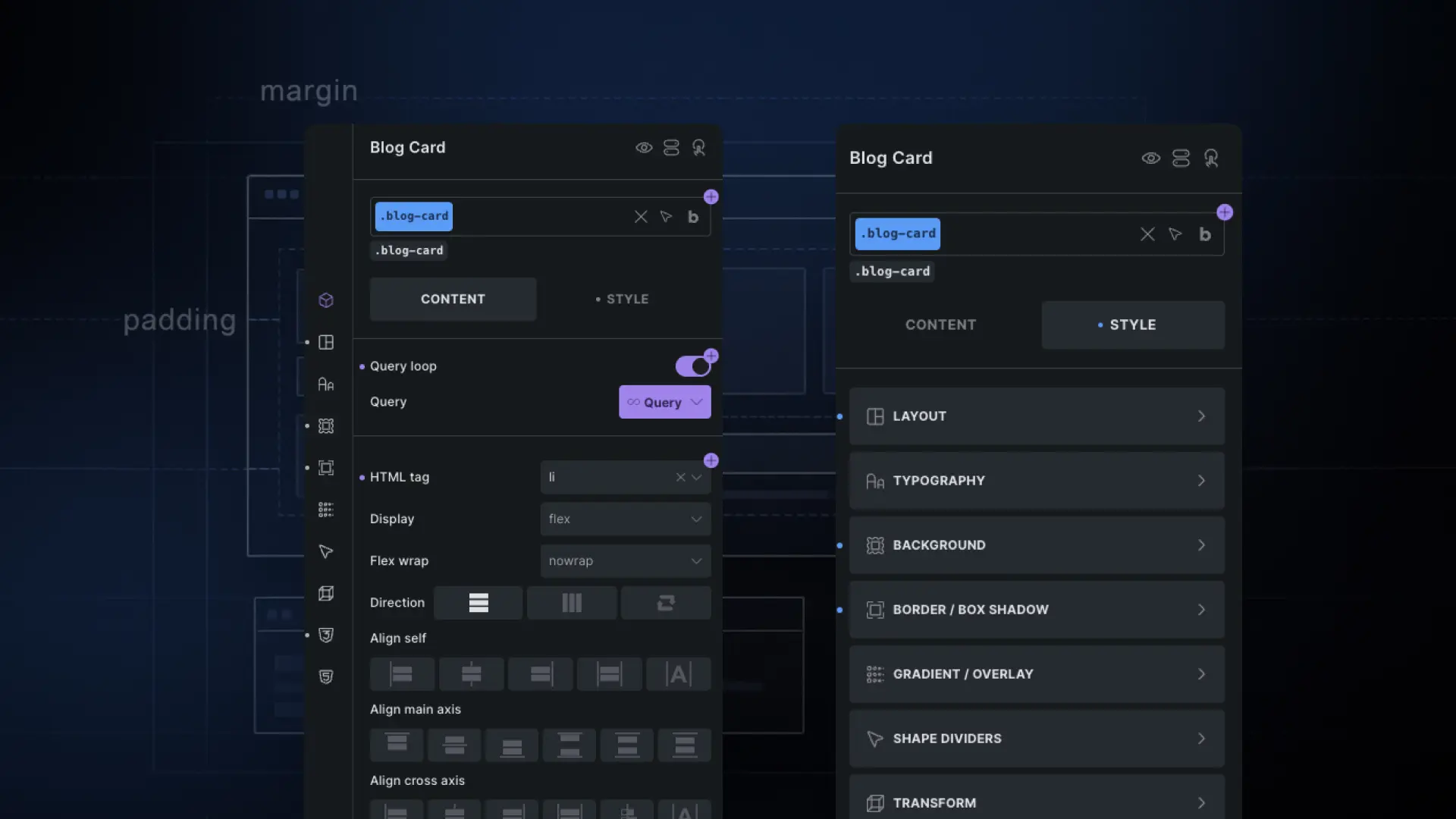
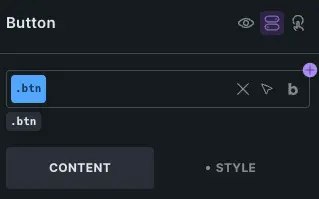
In Bricks, you style elements by assigning them a class. Instead of writing styles to a unique ID, you create a class like .btn, define its styles once, and apply it to every button on your site.
/* One rule, applies everywhere */
.btn {
  background: #e8643a;
  padding: 12px 24px;
  border-radius: 6px;
}
Now when you want to update your button style, you change it in one place and every button on every page updates instantly.
A Real-World Example
Let’s say you’re building a site with 10 pages, and each page has 3 cards with a title, text, and button. That’s 30 buttons total.
With ID styling: You have 30 separate CSS rules for those buttons. Want to change the button color? Update all 30. Miss one? Inconsistency. Rebuild a page? Start over.
With class styling: You have one .btn class. Change the color once. Done. All 30 buttons update. Every future button you add with that class is automatically consistent.
Make Sure Your Page Builder Actually Supports Class Styling
This is something I learned the hard way. Many page builders make it really easy to build sites quickly, but once you need to make global changes or maintain a site long-term, you start paying for that shortcut in time and frustration.
I’ve been in situations where a client wanted a small design change across a whole site. In a builder without proper class support, that meant going through every single page and updating each element manually. What should have taken minutes took hours.
Before committing to any page builder, check how it handles styling. If it’s primarily ID-based with no real class management, that convenience will eventually cost you. Bricks is one of the few builders that gets this right natively.
Before You Choose a Page Builder
Check how your page builder handles styling. If it relies on ID-based styles with no class management, global changes will always be painful. It might feel fast at first, but it will cost you time later.
Summary
Class styling is not just a technical detail. It’s a fundamental part of building maintainable, consistent, and performant websites. If you’re building with Bricks and not using classes, you’re missing out on one of its most powerful features.
Start simple: create a class for your buttons, one for your headings, one for your cards. Build from there. Your future self will thank you.
- CSS has multiple ways to target elements: IDs, classes, tags, and attributes. Most builders only expose ID-based styling
- ID styling applies styles to one unique element — class styling applies styles to any element with that class
- Most page builders use ID-based styling by default, leading to duplicate CSS and painful global changes
- With class styling, you define a rule once and reuse it everywhere. Change it once, update the whole site
- Before choosing a page builder, check how it handles styling. The convenience of ID-based builders has a hidden long-term cost